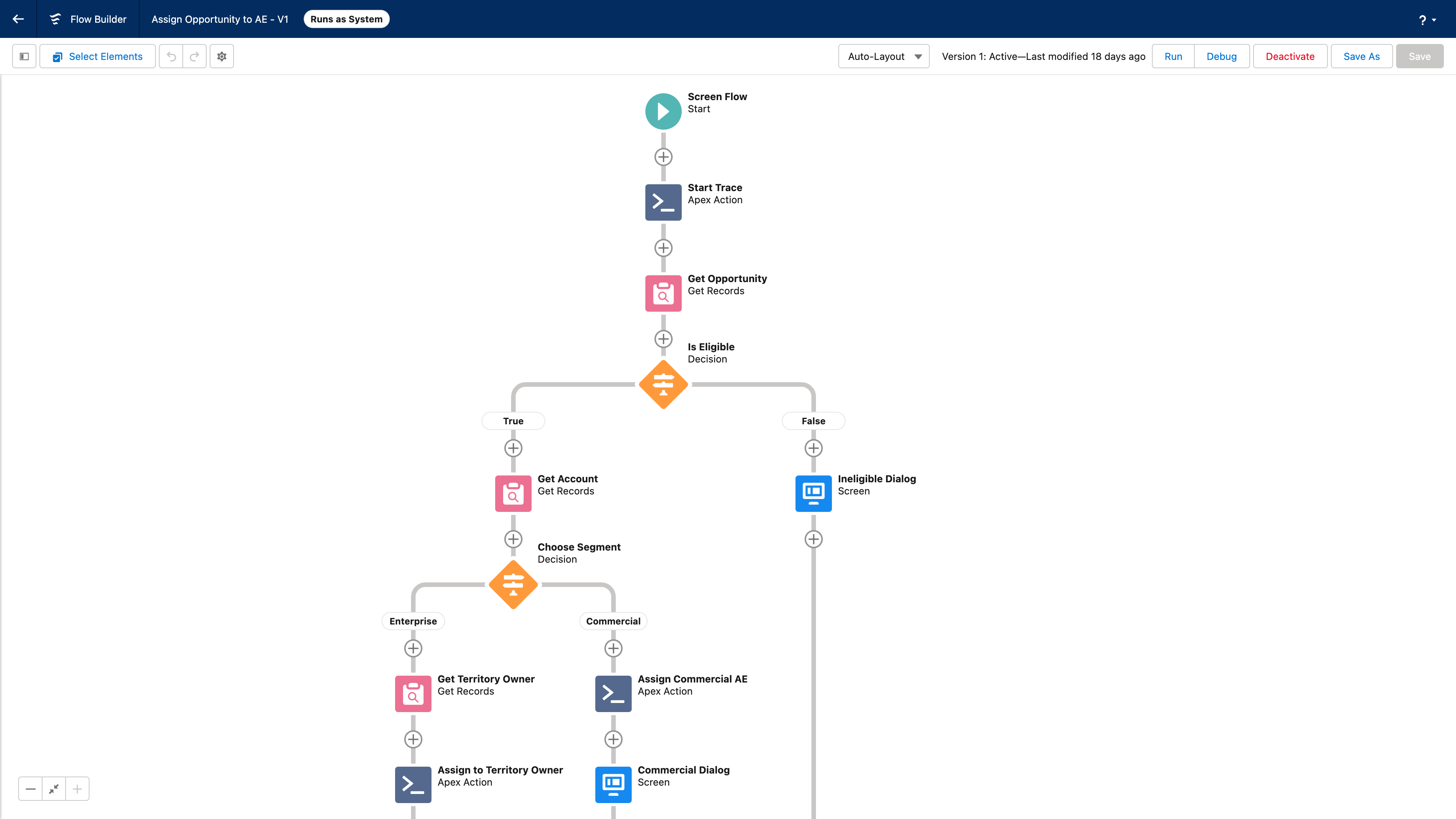
Configuring, debugging, and maintaining routing flows is one of the most time-consuming parts of running a revenue operations stack. Small changes require navigating a maze of criteria screens. Debugging a misrouted record means pulling together logs, flow logic, and object data by hand. And onboarding a new routing tool can take months.
The Gradient Works MCP was built to change that.
Tell your AI agent what you want. It builds the flow.
With the Gradient Works MCP, you can connect your AI agent — Claude, Codex, Cursor and others — directly to your routing logic. Describe what you want in plain language and your agent configures the flow, using Gradient Works' matching, assignment, and routing actions correctly without you having to provide technical detail.
For example: "Create a lead-triggered flow that tries to find a matching contact by email. If we find a match, assign the lead to the contact owner. If we don't find a match, send it to our inbound SDR queue." That's it. Your agent builds the flow, wires up the matching and assignment actions, and creates it as a draft ready for your review.
To make this work, we've published a free agent skill you can add to Claude, Codex, or Cursor. It teaches your agent how our actions work — what inputs they expect, what they output, and when to use each one — so it can build and edit flows confidently. Without it, AI agents don't know what inputs our matching and queue assignment actions expect, and will either guess wrong or refuse to try. With it, they get the full picture: every action we offer, every required and optional input, every output, and guidance on when to use each one.
Once a flow is created, you can also ask your agent to update it: switch a queue assignment, change the matching criteria, or create a new version, all in the same conversation.
Debug routing issues in minutes, not hours
Anyone who's had to answer "why wasn't this lead routed to me?" knows how painful the process is. You need to check whether the record even went through the flow, understand what the flow logic says should happen, and then inspect the actual data on the record to see why something might have gone wrong. Pulling all of that together manually can take an hour or more.
With the MCP, your agent can do it in a single conversation. Ask it to look at a specific record, and it will pull the assignment history, the relevant flow configuration, and the associated log entries, then explain what happened and why. If there's a bug, you can tell it to fix the flow on the spot. It will propose the change, create a new version, and activate it.
What's available in the MCP today
The Gradient Works MCP gives your agent full read and write access to your routing setup:
-
View flows in your org, their versions, and each version's full configuration
-
Create flows from a plain-language description
-
Edit flows to update existing versions or create new ones (respecting Salesforce's versioning rules)
-
Activate and deactivate flows directly
-
Pull assignment history to search assignments across routing and Bookbuilder
-
Get log entries to retrieve logs associated with any flow to understand what ran and what didn't
Migrate from your current tool faster than you think
Customers moving from tools like LeanData are already using AI to read their existing setup and map it to Gradient Works automatically. Your agent can interpret how your current routing is configured, understand what it's doing, and rebuild that logic using Gradient Works actions, without you having to manually translate every rule.
What used to take months of back-and-forth is starting to take hours. And as your team's routing needs evolve, making changes no longer requires a project. It requires a conversation.
Get started
You can find full documentation for the MCP flow tools here. If you'd like a walkthrough, book a demo and we'll show you what this looks like in practice.