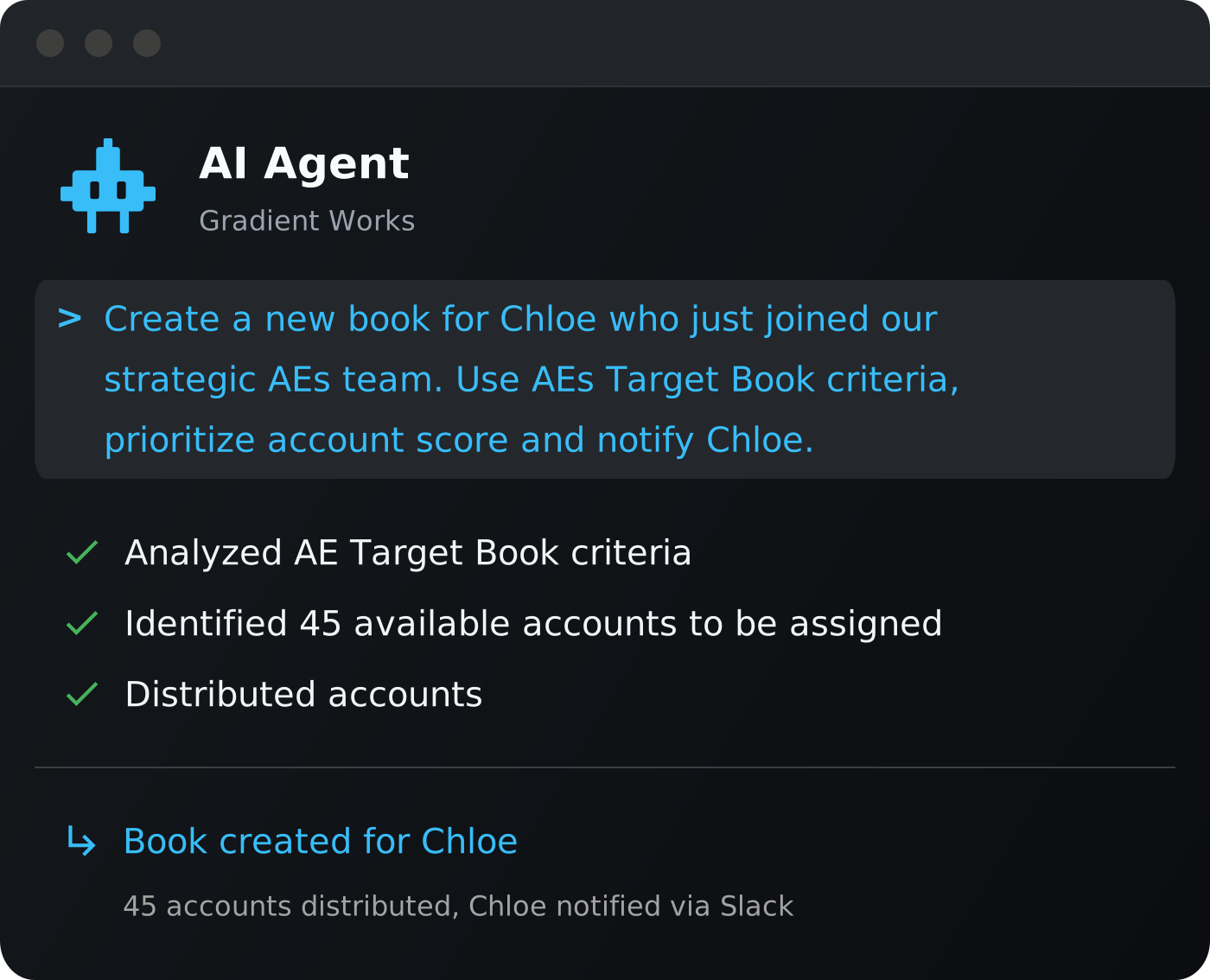
Manage routing and territory planning from your AI agent
The Gradient Works MCP connects your routing logic and territory data to any AI agent. Debug assignments, compare scenarios, and query rep metrics from your agent.
Everything you run in Gradient Works, accessible through your AI agent
The Gradient Works MCP gives your agent access to over 50 skills and tools. Available today for Claude Desktop, Claude Code, ChatGPT, OpenAI Codex and Cursor.
-
Routing debugging: Ask why a lead routed where it did and get a plain-language explanation in seconds
-
Territory planning: Pull Carve scenarios, apply stakeholder feedback as overrides, and deploy from your agent
-
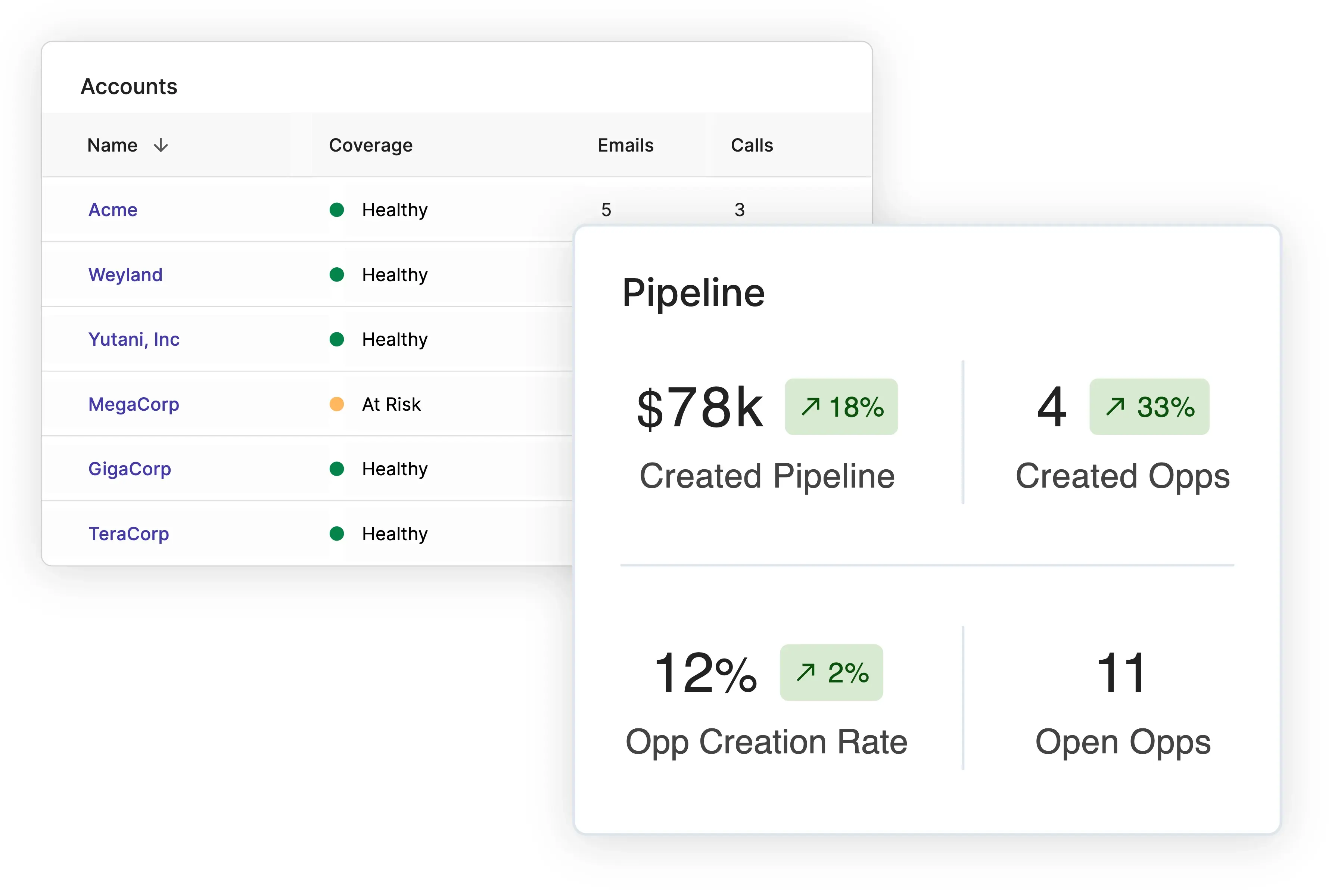
Rep metrics: Query on-book metrics, coverage stats, and hierarchy roll-ups through conversation
-
Routing setup: Build target books, configure routing queues, and audit routing logic through plain language
Debugging is where the MCP pays off fastest
When a lead routes to the wrong rep, figuring out why means opening the app, tracing assignment logic, checking the target book, reviewing queue configuration. On a good day that takes 20 minutes. Most days it takes longer — and you're still not sure you found the root cause.
With the MCP, you ask: "Why did this lead go to rep A instead of rep B?" Your agent pulls the routing logic, assignment history, and target book configuration and gives you a plain-language answer in seconds.
-
Rep flags a misrouted lead in Slack or email
-
Ask Claude, ChatGPT or Cursor why this lead went to this rep
-
The Gradient Works MCP retrieves the relevant data
-
Your agent explains the routing decision in plain language and can suggest a fix if needed
Built for the whole revenue operations team
-
RevOps: Debug routing assignments and audit your setup through your agent, not manual rule tracing
-
Sales Managers: Get instant answers on territory health, rep coverage, and pipeline risk
-
Sales Ops: Compare Carve scenarios and turn stakeholder feedback into territory overrides in one session
Where the MCP fits in your workflow
One agent and the full Gradient Works platform
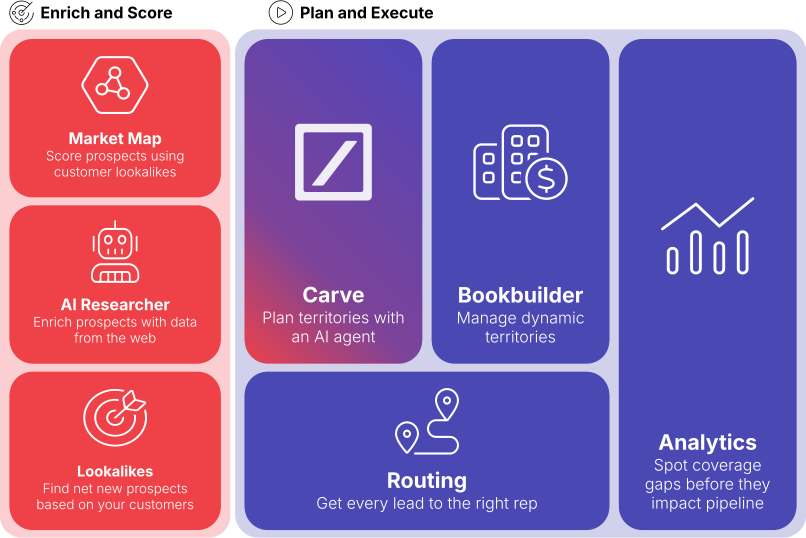
The MCP connects to the entire Gradient Works platform: Routing, Carve, Market Map, Bookbuilder, and Analytics. Your agent can debug, plan, and query across the whole platform in a single session, no app switching.
MCP FAQs
What is the Gradient Works MCP?
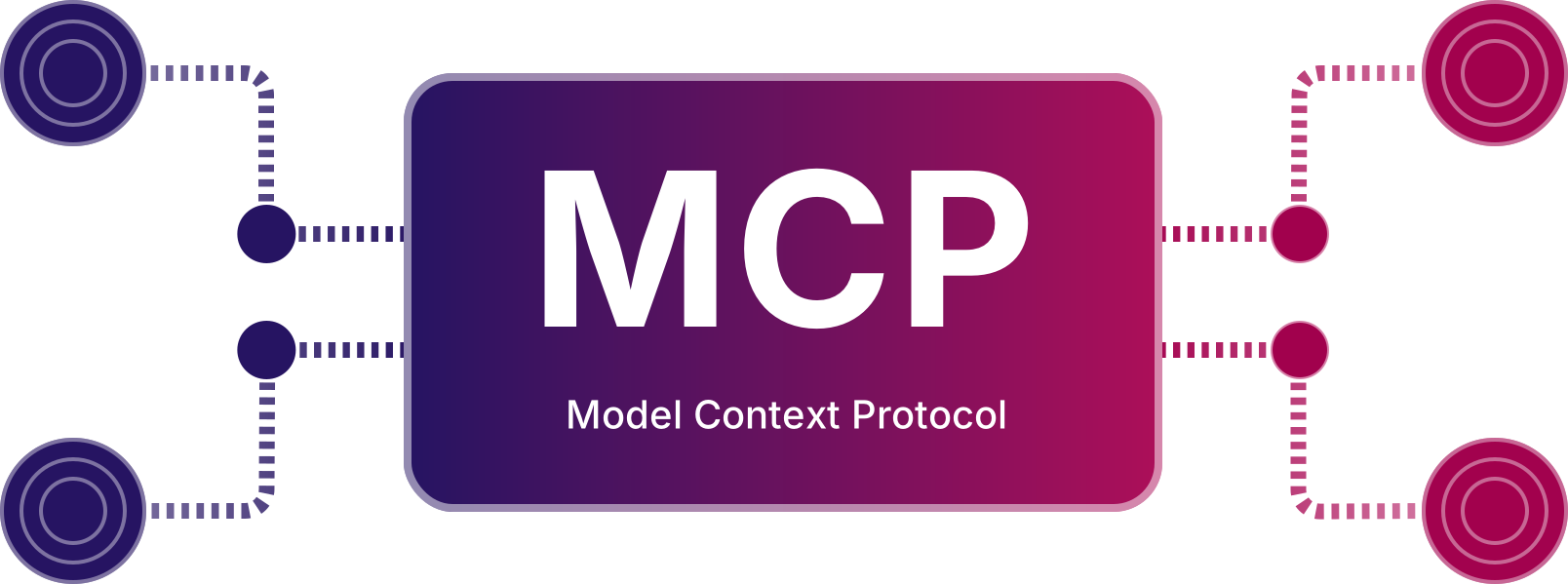
The Gradient Works MCP (Model Context Protocol) is a server that connects your Gradient Works account to any compatible AI agent. It gives AI agents read and write access to your routing logic, territory data, rep metrics, and Bookbuilder configuration. So far, there are over 50 tools and skills.
Which AI agents work with the Gradient Works MCP?
Any client that supports the MCP standard. Today that includes Claude Desktop, Claude Code, ChatGPT, OpenAI Codex, and Cursor. As more AI tools adopt MCP, the Gradient Works MCP will work with them automatically.
Who can use the Gradient Works MCP?
Any Gradient Works customers (free and paid) can access the MCP, which is currently in alpha. If you want to sign up for our free plan to try it out, start here.
What can I do with the MCP?
Debug routing assignments in plain language, compare and deploy Carve territory scenarios, pull rep-level metrics and coverage stats, build and audit routing queues, and query Bookbuilder configuration. All through conversation with your agent.
Do I need engineering help to set it up?
No. Setup takes just a few minutes: add the MCP server URL to your AI agent's configuration and authenticate with your Gradient Works account. No code required. More detail on setup here.
Run RevOps from your AI agent
Connect Gradient Works to Claude, ChatGPT, or Cursor and start debugging, planning, and querying in minutes.