Free sales territory planning software

Stop rebuilding spreadsheets every quarter. Create new territories in minutes with Carve: free AI-powered territory planning for RevOps teams.

Used by 100+ RevOps teams. No credit card. No trial expiration.

Territory planning shouldn’t be a spreadsheet nightmare
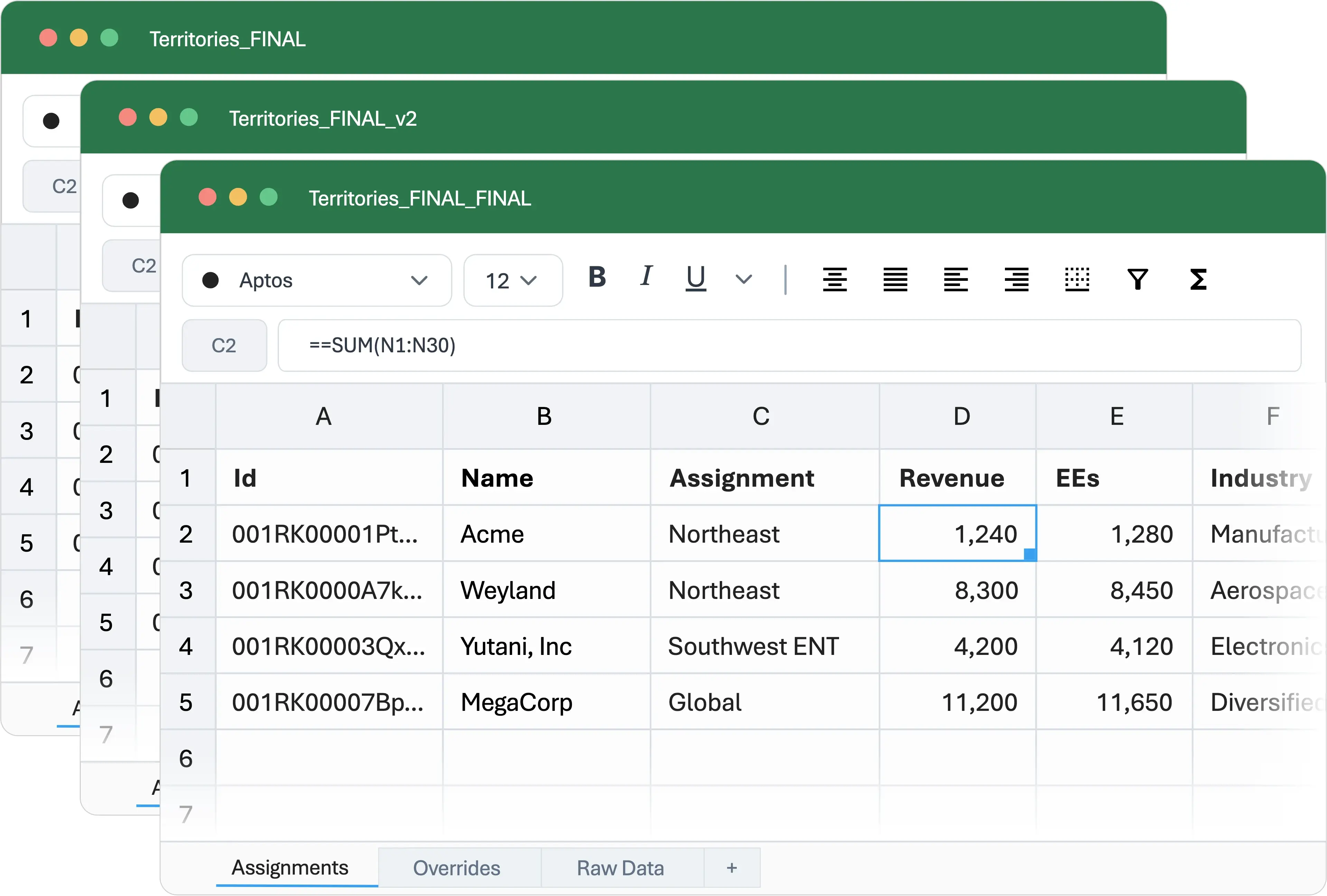
spreadsheets-stacked

If you’ve ever built sales territories in Excel, you know the pain:

  • Endless formulas and rework

  • “What if?” scenarios that take days to model

  • Unfair territories that are hard to explain or defend

  • Late nights before planning deadlines

Most RevOps teams only re-carve once a year because it’s so painful.

Carve turns territory planning from a project into a task.

What is Carve?

Carve is an AI agent for territory planning and mangement. Carve builds, balances and refines sales territories based on your rules.

You describe how territories should work, including geography, verticals, ICP fit, capacity, holdovers, and Carve does the heavy lifting.

“I showed our VP of Sales three different territory options and let him choose. That alone saved me days of work.”

-Revenue Strategy & Operations Manager, Attentive

Use Carve for:

  • Annual or quarterly territory planning

  • Headcount changes

  • Mid-year territory rebalances

  • Scenario modeling (“What if we add 5 reps?”) 

  • Ongoing territory management

Free sales territory design with Carve

Free forever. No credit card required. No trial expiration.

carve__scenario--chat-1920x1080@2

Fast

Build and rebalance territories with AI

Upload your account list and define the rules. Carve creates balanced territories in minutes.
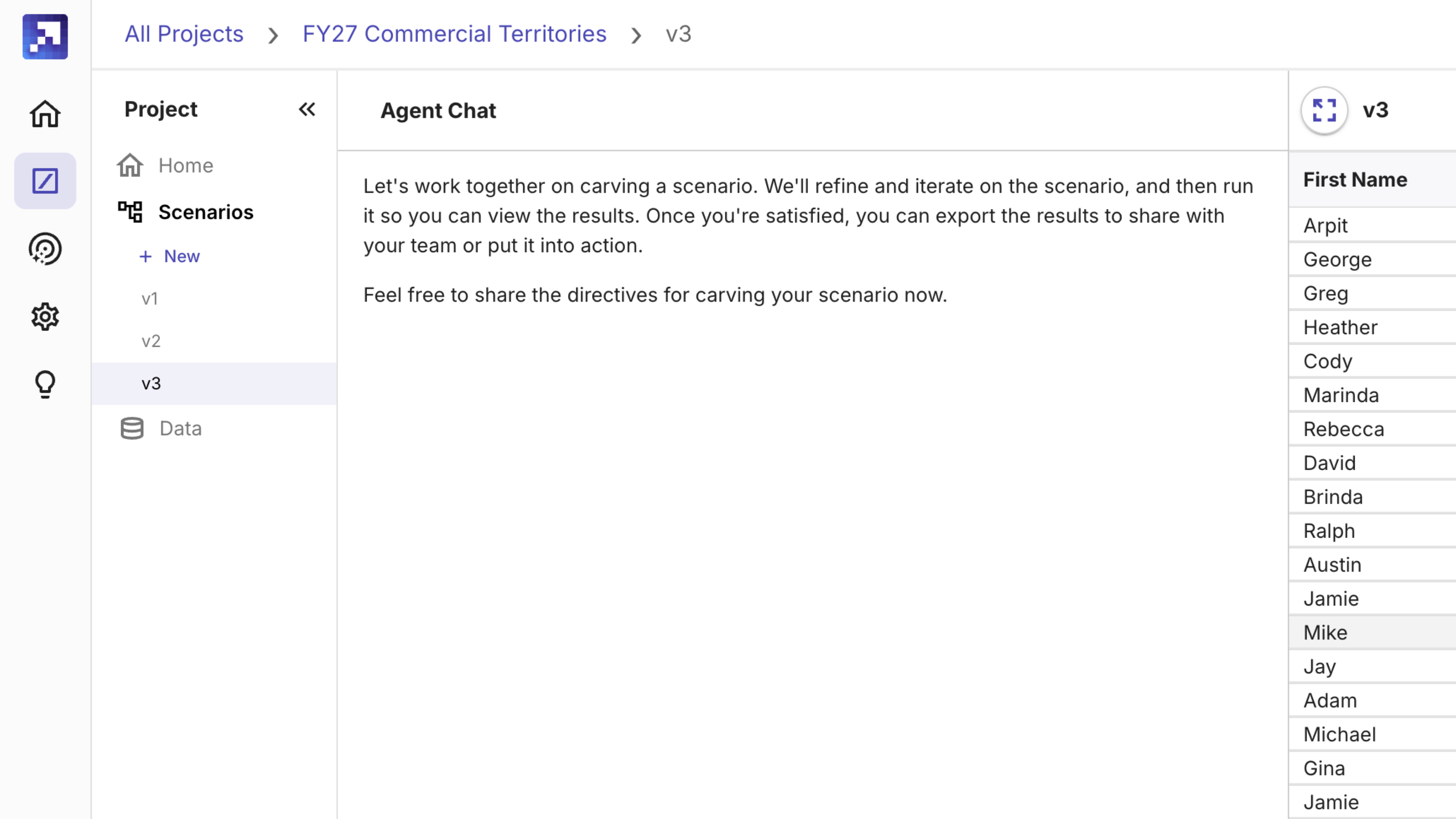
Carve - Multiple Scenario Support

Flexible

Test multiple scenarios

Compare different territory designs without starting from scratch each time.
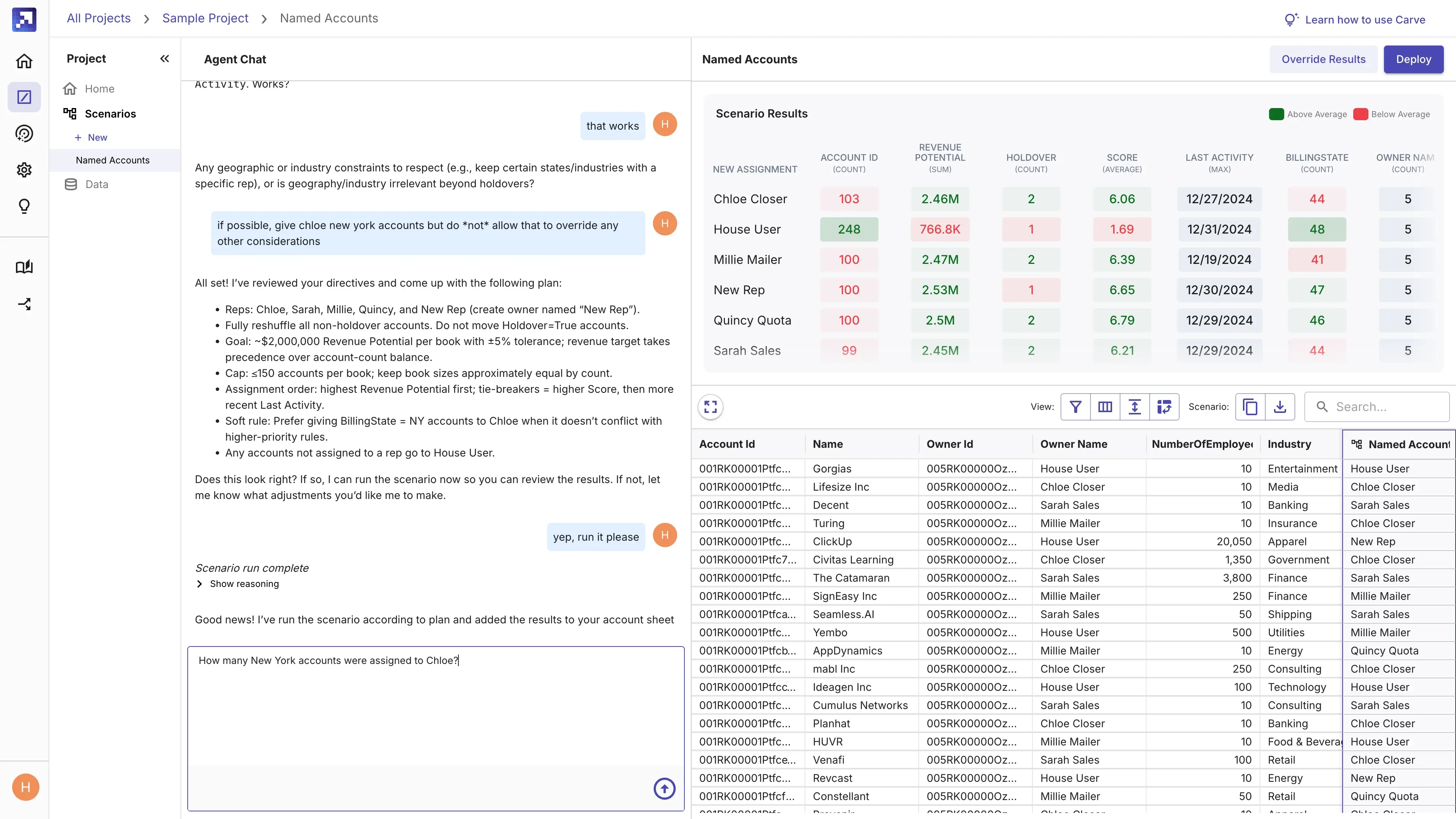
Carve - Chat with Scenario Directives

Practical

Respect real-world constraints

Lock accounts to reps, preserve relationships, honor hierarchies. Reuse your logic to re-run anytime headcount changes.
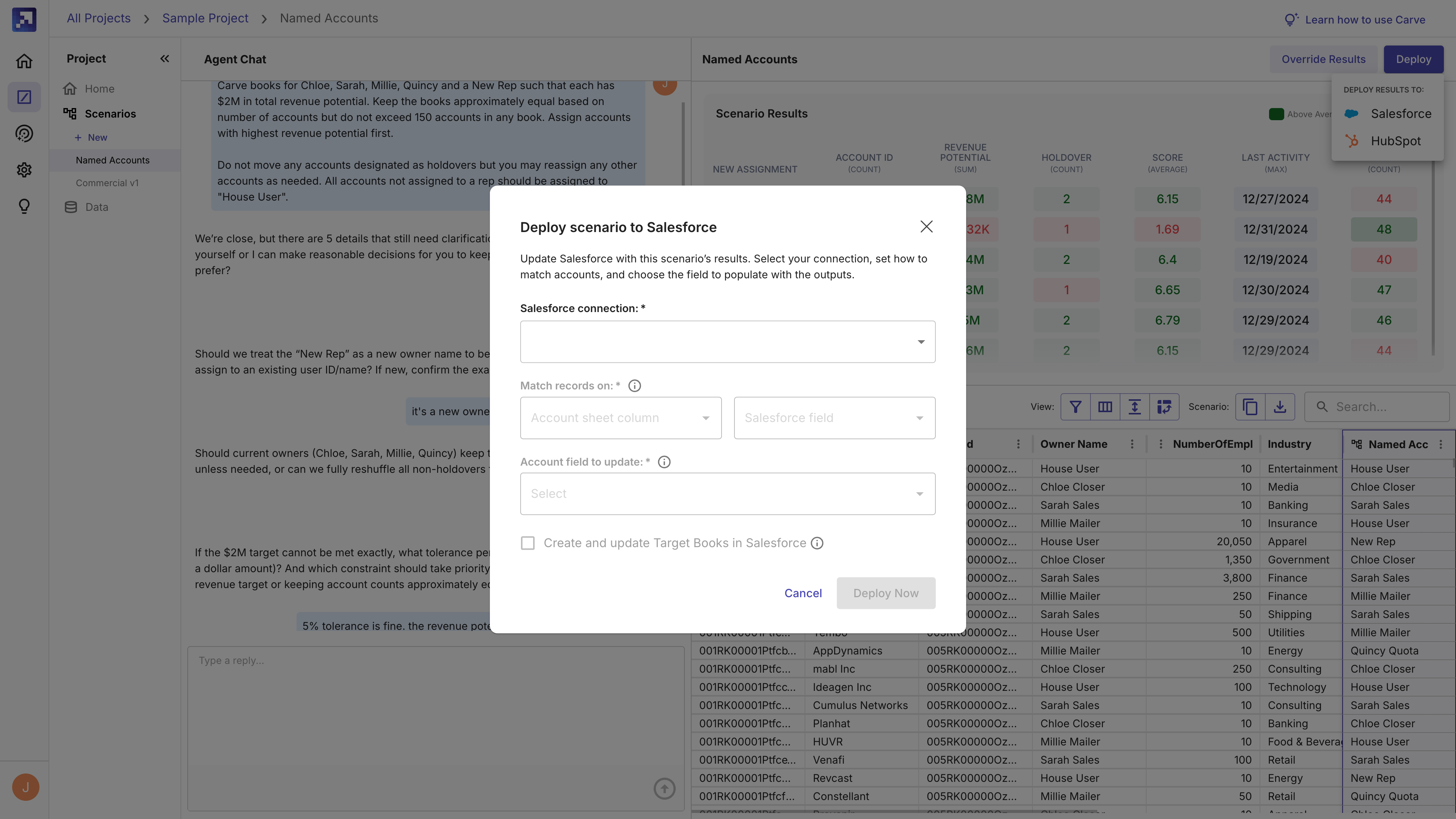
Carve - Deploy to Salesforce

Integrated

Export or deploy to your CRM

Push territory assignments to Salesforce or HubSpot, or export to CSV.

How Carve works

circle-1

Upload your accounts. Import a CSV or CRM report with ICP scores, industry, revenue or any attributes you use today.

circle-2

Describe your territory rules. Tell Carve how you want your territories balanced, and the AI agent will do the work. 

circle-3-1

Review, compare and deploy. Stress-test scenarios, make overrides, and then deploy assignments to your CRM. 

Why teams choose Carve over spreadsheets and legacy tools

  • Faster than spreadsheets with no formulas, pivots, or manual reassignment

  • More flexible than Salesforce territory tools, handles real-world nuance

  • No consultants required, logic is transparent and reusable

  • Built for modern RevOps teams with lean teams and frequent change

“What normally took me many days took minutes. Once the logic was set, territory planning went from a project to a task.”

-Head of Revenue Operations, Liquibase

Carve FAQs

What is Carve?

Carve is Gradient Works' AI-powered territory planning tool. Instead of spending weeks in spreadsheets, RevOps teams describe what they need — account criteria, fairness rules, headcount, vertical focus — and Carve generates a rule-aware territory plan in minutes.

How much does it cost, really?

Carve is available for free, forever. The only limitation is credits. With a free Carve account, you get 1,000 credits at not charge. If you end up using them all, you can buy more credits without subscribing to anything.

What are credits?

Each territory carve consumes credits based on the number of accounts processed. In Carve 1 credit = 1 account analyzed.

Can I model multiple scenarios?

Yes. Carve supports multiple territory scenarios simultaneously, so you can generate genuinely different options (e.g., "prioritize enterprise," "balanced across segments," "add two reps in the Northeast") and let leadership choose.

Does Carve work for one-off territory design as well as ongoing territory management? 

Yes! You can use Carve to for a single territory plan or use it to rebalance territories anytime in the year, like when headcount changes. 

How much faster is Carve than doing it manually?

5x faster. Real examples: SPINS went from 3 days to a couple of hours. Liquibase went from "many days" to minutes. A junior team member at LumApps finished a carve in half an hour with no prior training.

Does the AI explain its decisions?

Yes. Carve provides explanations justifying why accounts were assigned to specific territories — so the plan arrives with its reasoning built in. This makes it easier to get sales team buy-in: leadership can see the logic, not just the output.

Does Carve enforce fairness?

Yes. Built-in fairness constraints prevent lopsided territory splits. You define the rules; Carve honors them in the assignments.

Does Carve require Salesforce?

No. Carve is delivered through the Gradient Works web app and works with Salesforce, HubSpot, or CSV/Excel. However, you can definitely use it for Salesforce territory management.

Can Carve replace a territory planning analyst?

For many teams, yes — or at least delay the hire. One customer said, "Having a tool like this means maybe I don't need to hire another analyst."